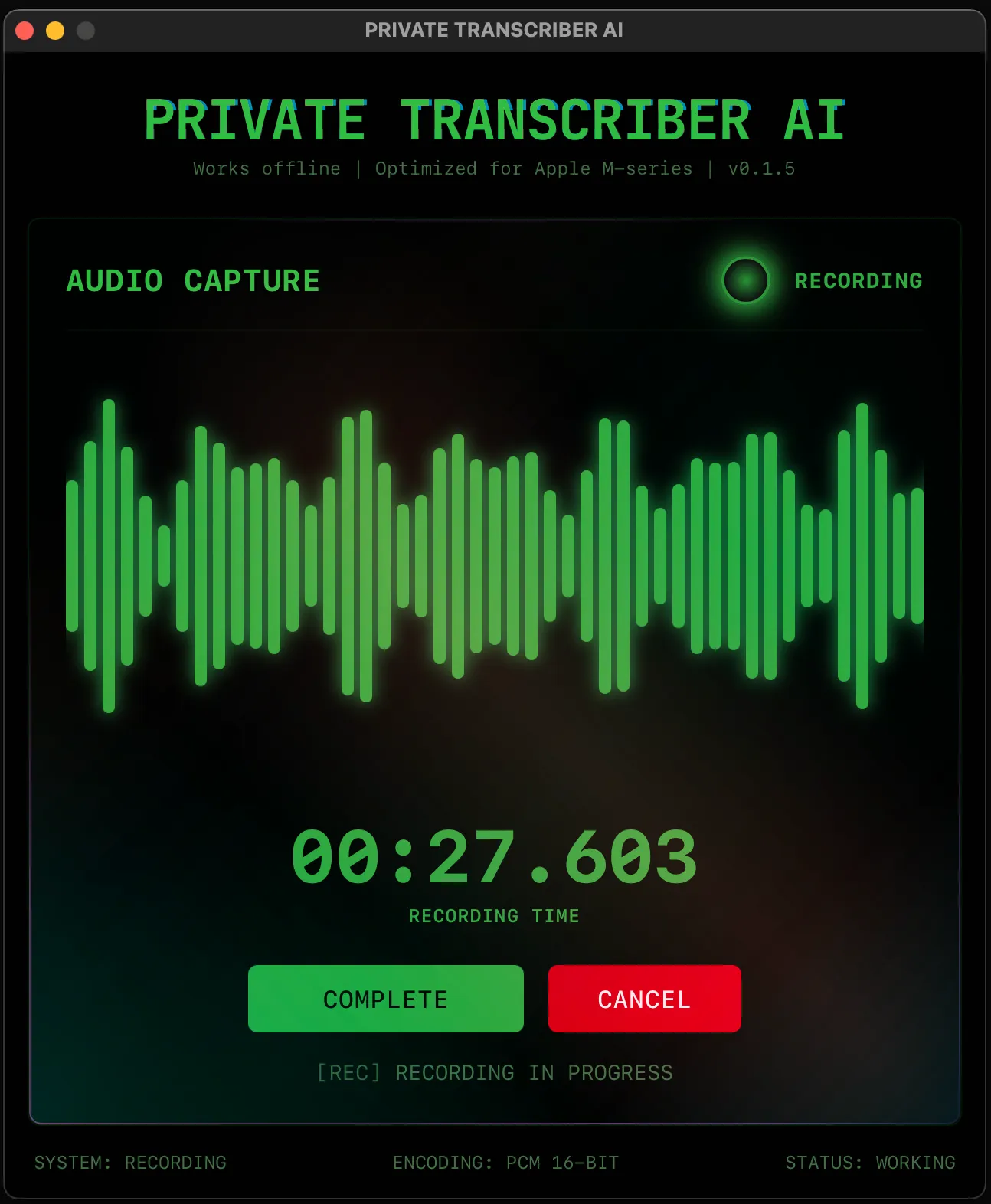
App Screenshot

Dictation & files

Voice/Audio/Video → Text/Subtitles.
30 min in 3 min.

AI editing & translation

LLM-powered editing: restyle, grammar, translation to 100+ languages.

Voice journal & planner

Tags, search, recurring tasks, reminders, notifications. Your second brain.

Why Private Transcriber AI?

Most tools do one thing. We do everything — privately.

Fast processing

Process 30 minutes of audio in under 3 minutes. That's 10x faster than real-time.

Optimized for Apple Silicon.

Complete toolkit

Dictation & file processing. AI editing — restyle, grammar, translation. Voice journal — tags, search, tasks, reminders.

Your second brain. One app.

100% private & offline

Your voice and files never leave your Mac. Works on planes, in the subway, anywhere.

No servers. No accounts. No tracking.

AI-powered editing

Translate to 100+ languages. Change tone (casual → formal). Fix grammar. All without re-recording.

Local Qwen 3.5 LLM.

Total coverage

From quick messages to podcast subtitles

Quick dictation

Press hotkey, speak, paste. Perfect for Slack, emails, ChatGPT prompts.

Interviews & meetings

Upload audio file, get transcript + searchable text in minutes.

Video subtitles

Drop video file, export SRT. For YouTube, podcasts, courses.

Voice journaling

Speak your thoughts. Tag, search, track. Your second brain.

Language practice

LLM-powered translation to 100+ languages. Context-aware, not word-by-word.

Code reviews

Read code, dictate feedback. Faster than typing comments.

Simplify your workflow

SPEAK

PROCESS

APPLY

Try free. Love it — upgrade.

FREE
$0
Try all features
  • Live dictation
  • File transcription
  • Subtitle export (SRT)
  • AI editing & translation
  • Voice journal
  • 100+ languages
  • ⚠️15-second recording
  • ⚠️15 journal notes

What users say

"I stopped being afraid to communicate in German. One message used to take minutes. Now it takes 10 seconds."
S
Sarah
Product Manager
"I use it for prompts every day. Can't imagine typing all that by hand anymore."
A
Alex
Business Analyst
BUILT BY A DEVELOPER, FOR MYSELF

"I use this every day. Built it because I was tired of manual typing slowing me down and cloud services that see everything I dictate."

— Valerii, Developer

Frequently Asked Questions

Does it really work without internet?

Yes, completely. No servers, no accounts, no tracking. Both Whisper v3 Turbo and Qwen 3.5 run locally on your Mac. You can use it on a plane, in the subway, or anywhere securely.

Can it process audio/video files and create subtitles?

Absolutely. Drop any audio or video file (MP3, MP4, WAV, etc.), and it will transcribe it. You can export the result as text or SRT subtitle format.

Is my data sent anywhere?

No. Nowhere. Since the app runs fully offline, your voice and text never leave your device. Your privacy is absolute.

How accurate is the transcription?

We use Whisper v3 Turbo—one of the best open-source models available—delivering 95%+ accuracy even for fast or accented speech.

How does translation and styling work?

A dedicated LLM (Qwen 3.5) processes the raw transcription locally. This allows for high-quality translation into 100+ languages and stylistic adaptations (like making it professional or concise) without re-recording.

Do I need to re-record to change the style or language?

No. You can "Fast Regenerate" the text from the same audio instantly. Switch from a casual note to a formal email or translate it with a single click.

How do I get the text into my apps?

For live dictation: it's automatic. The moment transcription finishes, the text is copied to your clipboard. Just press Cmd+V. For files: you can copy text or export as TXT/SRT.

Which Macs are supported?

The app is optimized for Apple Silicon (M1, M2, M3 chips) for maximum performance. It also runs on Intel Macs, though processing speeds will be slower.

How does this compare to Otter, Descript, or other tools?

Most tools require subscriptions to multiple services: Otter for meetings, Descript for subtitles, MacWhisper for files. Private Transcriber AI does all of this in one app — and works 100% offline. No data leaves your device, no recurring subscriptions to different tools.

How does payment and activation work?

After payment, activation happens automatically: your browser will prompt "Open Private Transcriber AI" — click it, and the app activates instantly.

If automatic activation doesn't work, you'll see your subscription key on the screen. Copy it and paste into the app to activate manually.

Check your Paddle account portal. There you can manage your subscription, view invoices, and get your Transaction ID. If you have any activation issues, copy your Transaction ID from the portal and paste it here to re-activate.

After successful payment, you will also receive an email from Paddle. If you have any payment issues, contact them or support@craftby.dev.